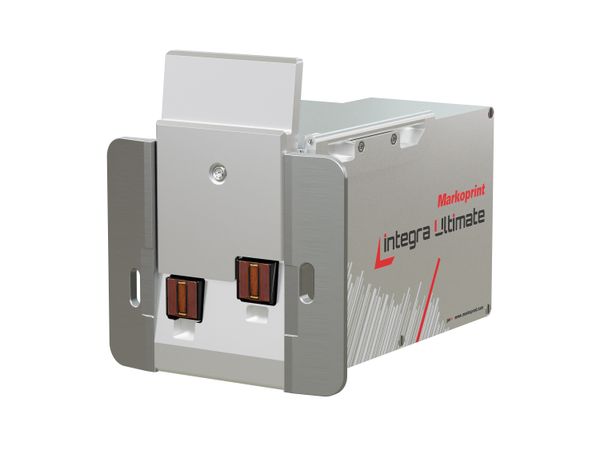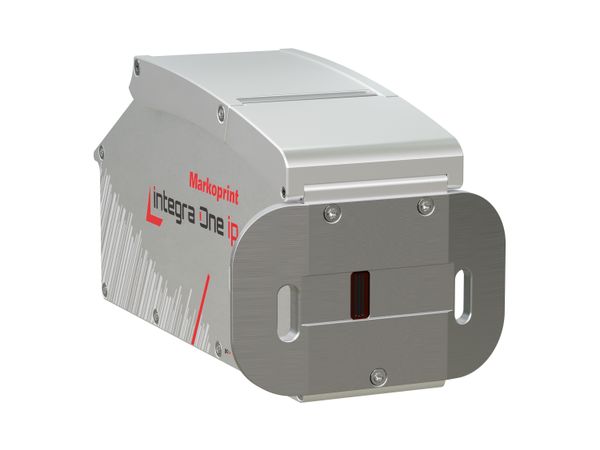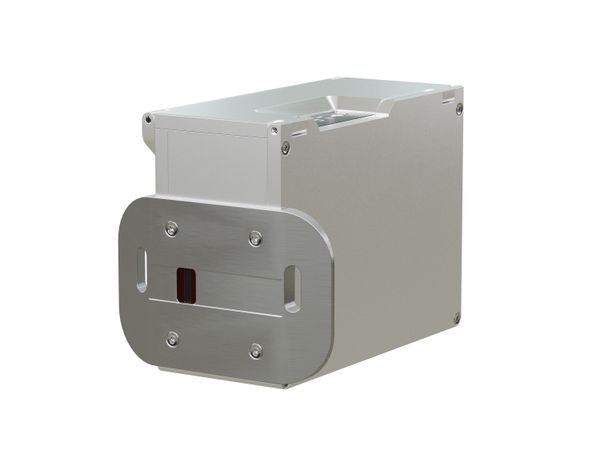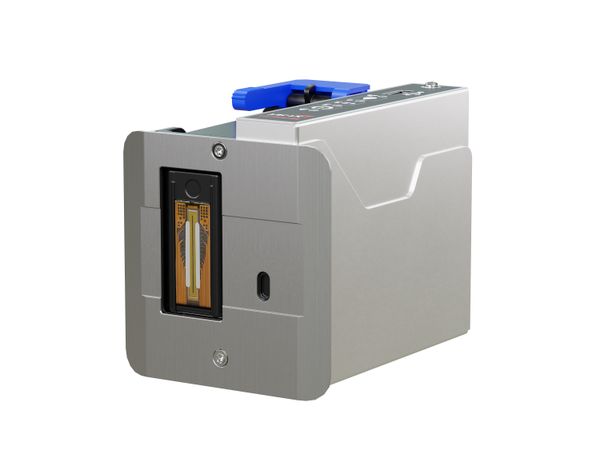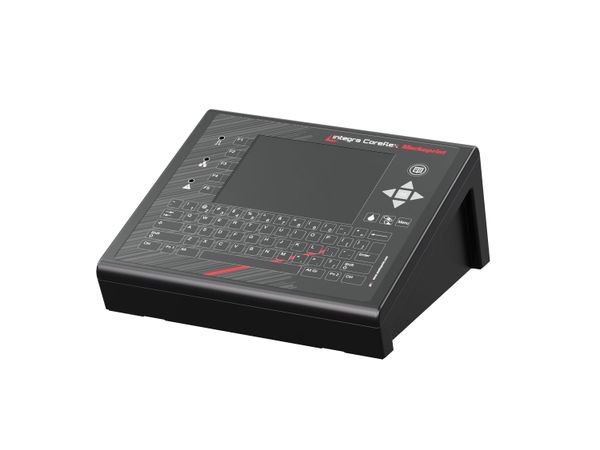
Industrial inkjet printer

Markoprint integra Coreflex

Flexible universal controller with intuitive touchscreen

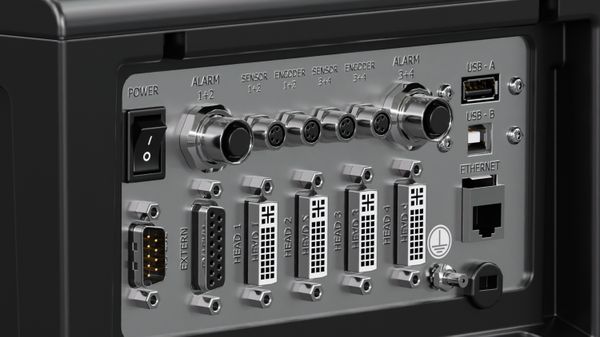
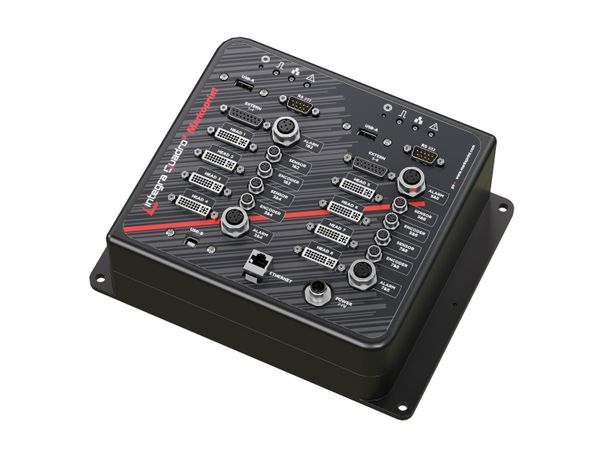
  • Control of up to four print heads
  • Enables simultaneous operation on two production lines
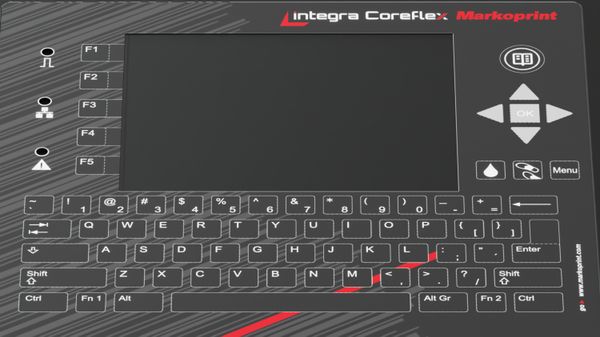
  • Touch display and full keyboard
  • Multi-channel technology for different printing technologies

Designed for maximum user convenience

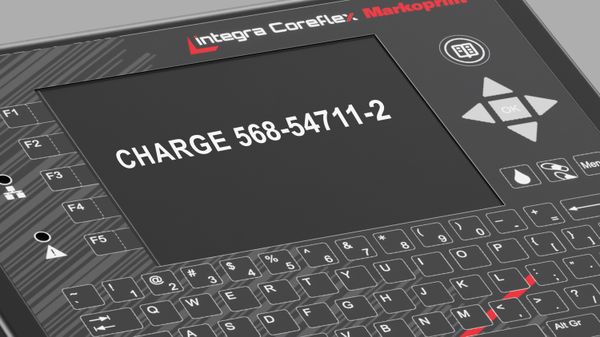
The high-performance Markoprint integra Coreflex controller combines ease of use with maximum flexibility and is the improved successor to the proven Markoprint X2JET and X4JET systems. With its clear user interface including touch display and full keyboard, all system parameters of your inkjet printers can be easily entered, saved, and recalled when needed. The integra Coreflex can be used as a desktop or wall-mounted device, but can also be installed directly on the production line.

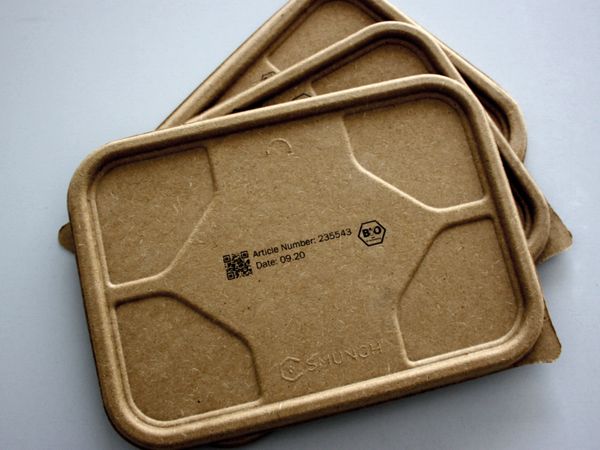
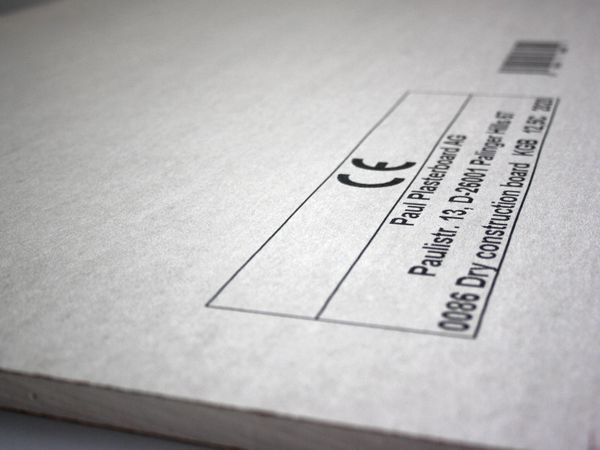
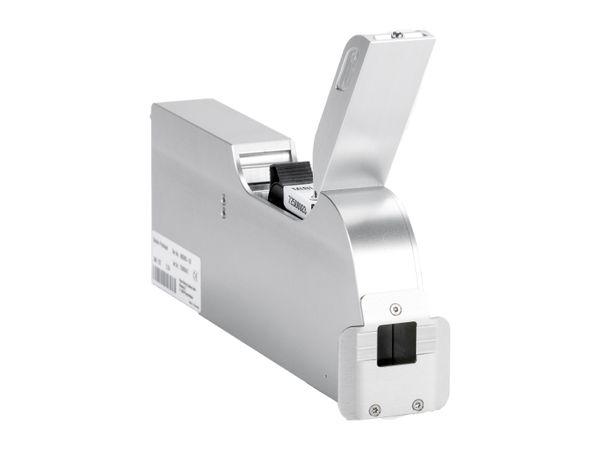
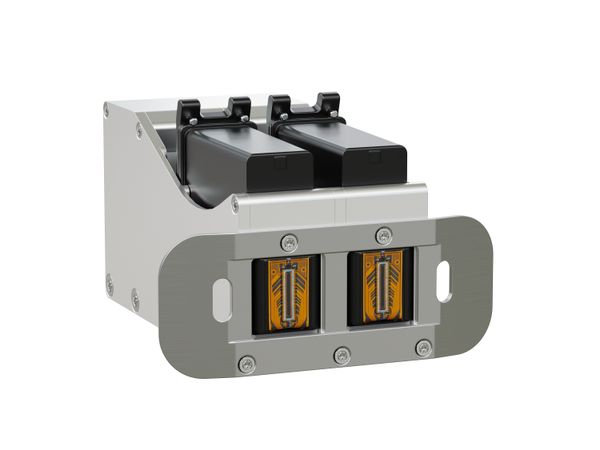
The control system supports different inkjet technologies simultaneously or alternately and allows the operation of a wide variety of print heads. Whether variable font sizes, double-sided printing on two independent production lines, coding of primary packaging with 2D codes and best-before dates, or marking of secondary packaging with large logos and quality seals – the Coreflex masters every challenge reliably and efficiently.

For everyone who values compactness and cost efficiency: the Coreflex is a customizable and flexible solution for industries such as food, chemical, building materials, and pharmaceuticals.
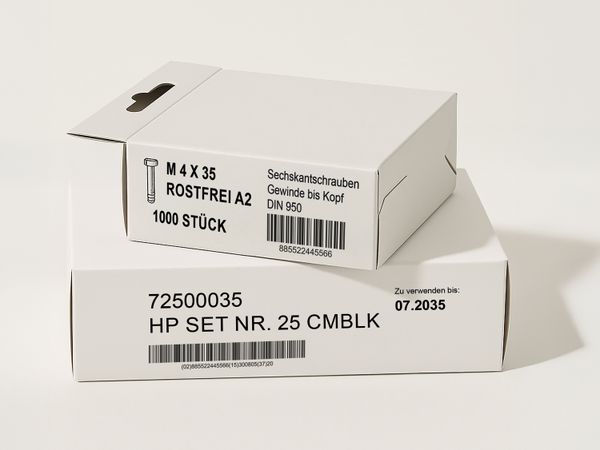
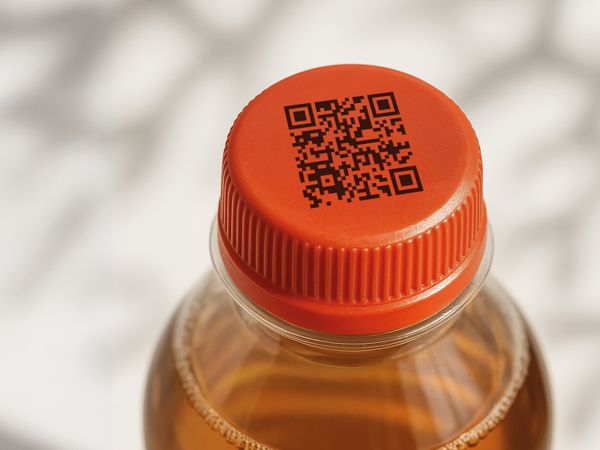
Applications

Special features

With the Markoprint Coreflex, print images are created directly on the device

Create, edit, and start print images directly on the device

The integra Coreflex allows the creation, editing, and execution of print jobs directly on the device thanks to its integrated print image design function. This enables it to operate as a fully independent system (“stand-alone”). Additional software such as integra Command is not required for designing or modifying print images.

The Markoprint integra Coreflex features a robust touch display

Resistive, robust touchscreen

The 5.7″ high-resolution resistive touch display is pressure-sensitive and can therefore be easily operated with gloves or a stylus. This makes the display ideal for industrial use, where precise control is required under various conditions and maximum user-friendliness must be ensured.

Markoprint integra Coreflex with multi-channel technology

Multi-channel technology for different printing technologies

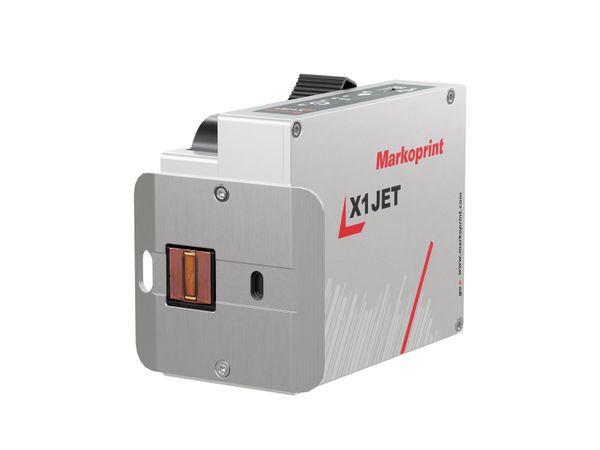
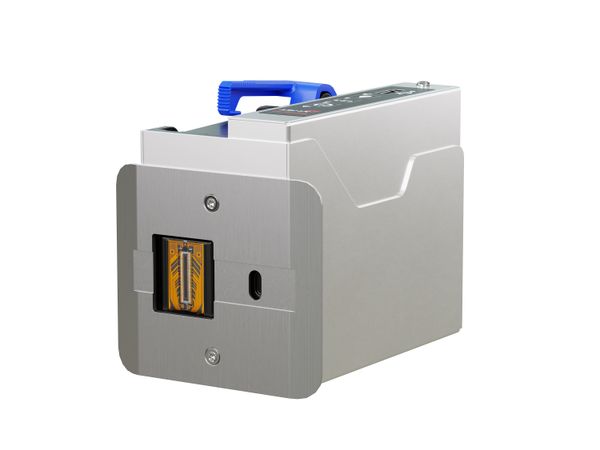
One channel can be equipped with up to four printheads of the same technology. Alternatively, two channels can each be configured with up to two printheads of different technologies. This allows flexible printing solutions, such as double-sided printing of products within a single production line. In addition, the print controller can be used in parallel on two independent production lines.

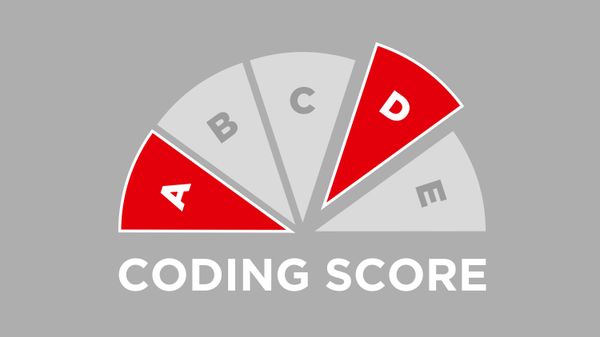
Markoprint Coding Score

Clear performance levels for flexible and scalable printing solutions

The specially developed Coding Score makes it easier to select and configure Markoprint printing systems. The performance levels – PRINT, BASIC, ADVANCED, PRO, and ULTIMATE – are clearly defined, easy to compare, and vary depending on the system. This creates transparency in decision-making and ensures investment security in a marking solution that can be flexibly expanded at any time. New requirements for production, efficiency, or sustainability can be easily integrated, securing consistently powerful and economical processes.

Technical specifications
Printing specifications
HP (Advanced)
HP (Pro)
LX (Advanced)
LX (Pro)
XR (Advanced)
XR (Pro)
MX50 (Advanced)
MX50 (Pro)
MX100 (Advanced)
MX100 (Pro)
Printer type
Thermal Ink Jet (TIJ), Piezo Ink Jet (PIJ)
Supported printing technology
XR, HP, LX, MX
Print height
HP (Advanced)
1 - 50 mm
HP (Pro)
1 - 50 mm
LX (Advanced)
1 - 50 mm
LX (Pro)
1 - 50 mm
XR (Advanced)
2 - 284 mm
XR (Pro)
2 - 284 mm
MX50 (Advanced)
3 - 200 mm
MX50 (Pro)
3 - 200 mm
MX100 (Advanced)
3 - 400 mm
MX100 (Pro)
3 - 400 mm
Vertical print resolution up to
HP (Advanced)
600 dpi
HP (Pro)
600 dpi
LX (Advanced)
600 dpi
LX (Pro)
600 dpi
XR (Advanced)
180 dpi
XR (Pro)
180 dpi
MX50 (Advanced)
64 dpi
MX50 (Pro)
64 dpi
MX100 (Advanced)
192 dpi
MX100 (Pro)
192 dpi
Print speed up to
HP (Advanced)
90 m/min
HP (Pro)
180 m/min
LX (Advanced)
90 m/min
LX (Pro)
240 m/min
XR (Advanced)
60 m/min
XR (Pro)
60 m/min
MX50 (Advanced)
60 m/min
MX50 (Pro)
60 m/min
MX100 (Advanced)
60 m/min
MX100 (Pro)
60 m/min
Recommended distance printhead to product
1 mm
Distance from printhead to product
HP (Advanced)
1 - 4 mm
HP (Pro)
1 - 4 mm
LX (Advanced)
1 - 4 mm
LX (Pro)
1 - 4 mm
XR (Advanced)
1 - 3 mm
XR (Pro)
1 - 3 mm
MX50 (Advanced)
1 - 4 mm
MX50 (Pro)
1 - 4 mm
MX100 (Advanced)
1 - 4 mm
MX100 (Pro)
1 - 4 mm
Number of printheads up to
4
Maximum number of production lines
2
Orientation
From left to right, From right to left
Function
Top printing, Lateral printing
Printable content
HP (Advanced)
Barcodes, 2D codes, Text fields, BMP graphics, Counter, Time indication, Date field, Date offset, Input of variables, Fields of action
HP (Pro)
Barcodes, 2D codes, Text fields, BMP graphics, Counter, Time indication, Date field, Date offset, Input of variables, Fields of action
LX (Advanced)
Barcodes, 2D codes, Text fields, BMP graphics, Counter, Time indication, Date field, Date offset, Input of variables, Fields of action
LX (Pro)
Barcodes, 2D codes, Text fields, BMP graphics, Counter, Time indication, Date field, Date offset, Input of variables, Fields of action
XR (Advanced)
Barcodes, 2D codes, Text fields, BMP graphics, Counter, Time indication, Date field, Date offset, Input of variables, Fields of action
XR (Pro)
Barcodes, 2D codes, Text fields, BMP graphics, Counter, Time indication, Date field, Date offset, Input of variables, Fields of action
MX50 (Advanced)
Barcodes, 2D codes, Text fields, BMP graphics, Counter, Time indication, Date field, Date offset, Input of variables, Fields of action
MX50 (Pro)
Barcodes, 2D codes, Text fields, BMP graphics, Counter, Time indication, Date field, Date offset, Input of variables, Fields of action
MX100 (Advanced)
Barcodes, 2D codes, Text fields, BMP graphics, Counter, Time indication, Date field, Date offset, Input of variables, Fields of action
MX100 (Pro)
Barcodes, 2D codes, Text fields, BMP graphics, Counter, Time indication, Date field, Date offset, Input of variables, Fields of action
Barcodes
HP (Advanced)
Code 2 out of 5, Code 39, Code 128, DataMatrix, EAN 8, EAN 13, GS1 DataMatrix, GS1 Databar, GS1 QR Code, QR code, UPC-A, UPC-E
HP (Pro)
Code 2 out of 5, Code 39, Code 128, DataMatrix, EAN 8, EAN 13, GS1 DataMatrix, GS1 Databar, GS1 QR Code, QR code, UPC-A, UPC-E
LX (Advanced)
Code 2 out of 5, Code 39, Code 128, DataMatrix, EAN 8, EAN 13, GS1 DataMatrix, GS1 Databar, GS1 QR Code, QR code, UPC-A, UPC-E
LX (Pro)
Code 2 out of 5, Code 39, Code 128, DataMatrix, EAN 8, EAN 13, GS1 DataMatrix, GS1 Databar, GS1 QR Code, QR code, UPC-A, UPC-E
XR (Advanced)
Code 2 out of 5, Code 39, Code 128, DataMatrix, EAN 8, EAN 13, GS1 DataMatrix, GS1 Databar, GS1 QR Code, QR code, UPC-A, UPC-E
XR (Pro)
Code 2 out of 5, Code 39, Code 128, DataMatrix, EAN 8, EAN 13, GS1 DataMatrix, GS1 Databar, GS1 QR Code, QR code, UPC-A, UPC-E
MX50 (Advanced)
Code 2 out of 5, Code 39, Code 128, DataMatrix, EAN 8, EAN 13, GS1 DataMatrix, GS1 Databar, GS1 QR Code, QR code, UPC-A, UPC-E
MX50 (Pro)
Code 2 out of 5, Code 39, Code 128, DataMatrix, EAN 8, EAN 13, GS1 DataMatrix, GS1 Databar, GS1 QR Code, QR code, UPC-A, UPC-E
MX100 (Advanced)
Code 2 out of 5, Code 39, Code 128, DataMatrix, EAN 8, EAN 13, GS1 DataMatrix, GS1 Databar, GS1 QR Code, QR code, UPC-A, UPC-E
MX100 (Pro)
Code 2 out of 5, Code 39, Code 128, DataMatrix, EAN 8, EAN 13, GS1 DataMatrix, GS1 Databar, GS1 QR Code, QR code, UPC-A, UPC-E
DBPrint
HP (Advanced)
HP (Pro)
LX (Advanced)
LX (Pro)
XR (Advanced)
XR (Pro)
MX50 (Advanced)
MX50 (Pro)
MX100 (Advanced)
MX100 (Pro)
PDF direct printing
Fonts
All Windows fonts, Customized fonts
Software requirements
Processor with at least 1 GHz, Interface for connecting the printing device, PC mouse or touchscreen, DirectX 9 or higher with WDDM 1.0 driver, Min. 30 GB hard disk space, 2 GB for 32-bit or 4 GB for 64-bit, Windows 7, 8, 10
Interpreter software
integra Command
Spitting
HP (Advanced)
HP (Pro)
LX (Advanced)
LX (Pro)
XR (Advanced)
XR (Pro)
MX50 (Advanced)
MX50 (Pro)
MX100 (Advanced)
MX100 (Pro)
Ink
Colour
Blue, Yellow, Green, White, Red, Black, UV-visible, UV-curing
Composition
Solvent-based, Oil formulation, Water-based
Hardware
HP (Advanced)
HP (Pro)
LX (Advanced)
LX (Pro)
XR (Advanced)
XR (Pro)
MX50 (Advanced)
MX50 (Pro)
MX100 (Advanced)
MX100 (Pro)
External control panel/display
integrated display
Password protection
HP (Advanced)
HP (Pro)
LX (Advanced)
LX (Pro)
XR (Advanced)
XR (Pro)
MX50 (Advanced)
MX50 (Pro)
MX100 (Advanced)
MX100 (Pro)
Internal sensor
Sensor signal
NPN
Shaft encoder signal
Push-pull or NPN, 24 V voltage
Status/ Alarm outputs
4
Flash memory expansion as an option
USB memory stick slot
SD memory card slot
PCMCIA slot
WIFI
Physical aspects
HP (Advanced)
HP (Pro)
LX (Advanced)
LX (Pro)
XR (Advanced)
XR (Pro)
MX50 (Advanced)
MX50 (Pro)
MX100 (Advanced)
MX100 (Pro)
Amperage
0.5 A, 0.5 A
System dimensions (HxWxL)
115 x 235 x 238 mm
Printhead dimensions (H×W×L)
HP (Advanced)
99 x 68 x 194 mm
HP (Pro)
99 x 68 x 194 mm
LX (Advanced)
84 x 87 x 143 mm
LX (Pro)
84 x 87 x 143 mm
XR (Advanced)
306 x 187 x 316 mm
XR (Pro)
306 x 187 x 316 mm
MX50 (Advanced)
283 x 177 x 318 mm
MX50 (Pro)
283 x 177 x 318 mm
MX100 (Advanced)
283 x 177 x 318 mm
MX100 (Pro)
283 x 177 x 318 mm
Print head cable length up to
HP (Advanced)
13 m
HP (Pro)
13 m
LX (Advanced)
50 m
LX (Pro)
50 m
XR (Advanced)
50 m
XR (Pro)
50 m
MX50 (Advanced)
50 m
MX50 (Pro)
50 m
MX100 (Advanced)
50 m
MX100 (Pro)
50 m
Weight
1.6 kg
IP ingress protection
IP 40
Authorisations
CE
Rel. humidity non-condensing
10 - 90 %
Ambient temperature
5 - 40°C
Supply voltage
90-240 V
Mains frequency
50-60 Hz
Power consumption
100 W