Play Icon
Please to watch this video
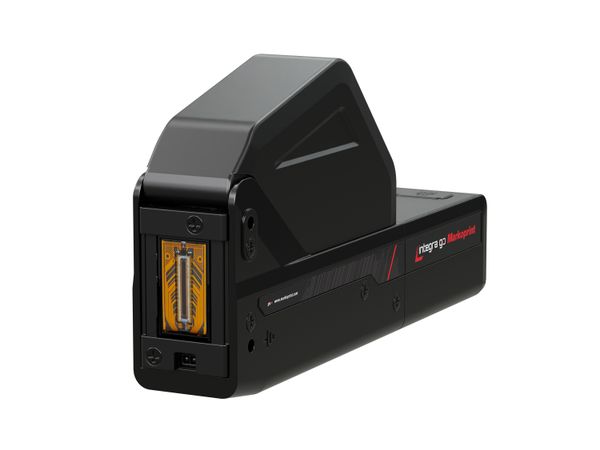
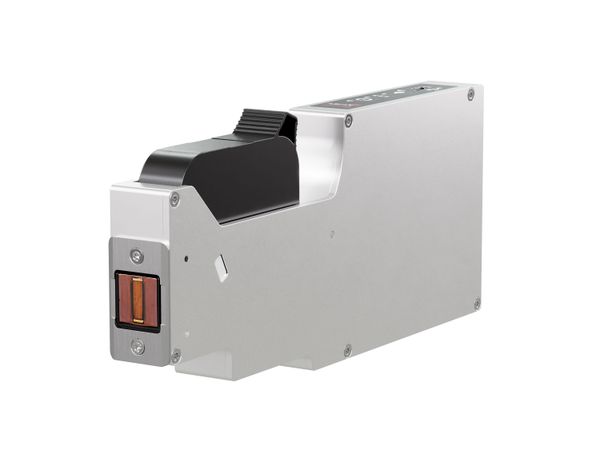
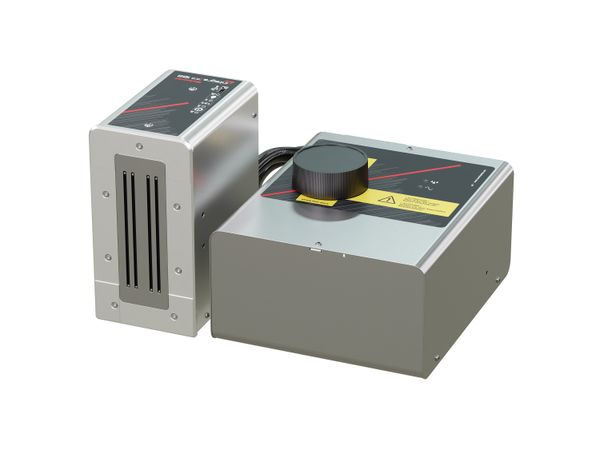
Industrial inkjet printer

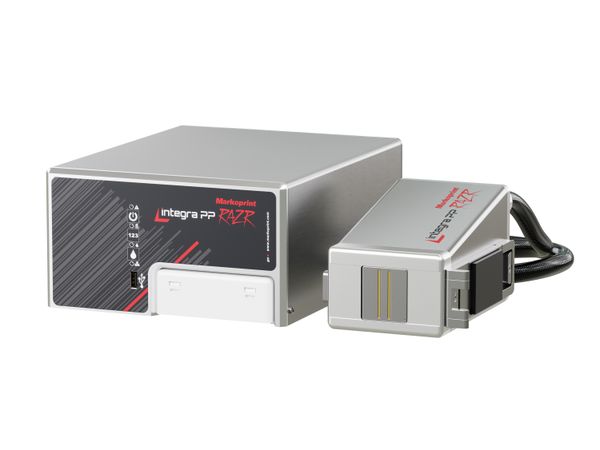
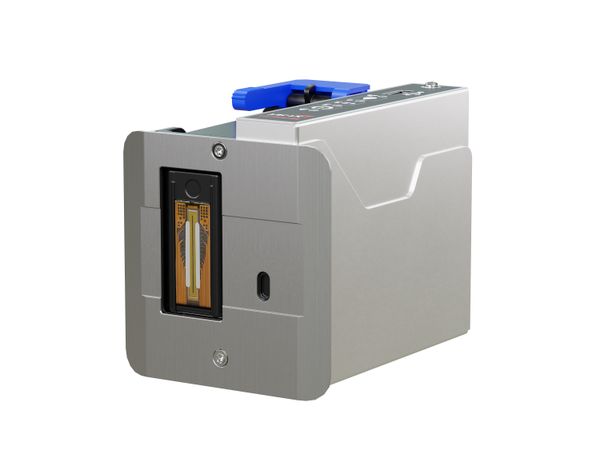
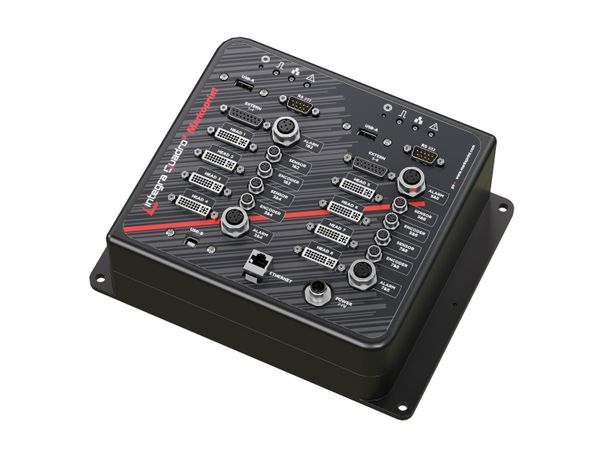
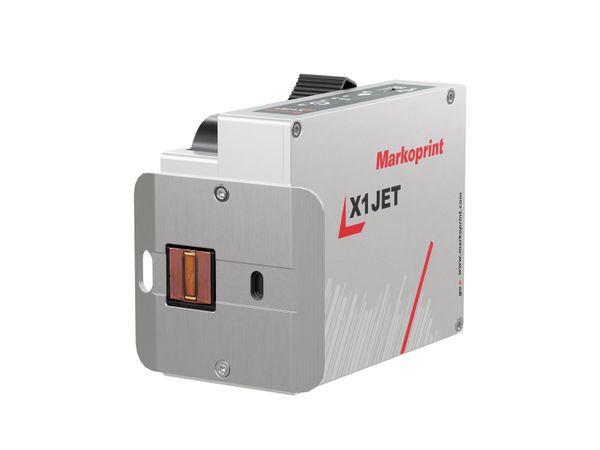
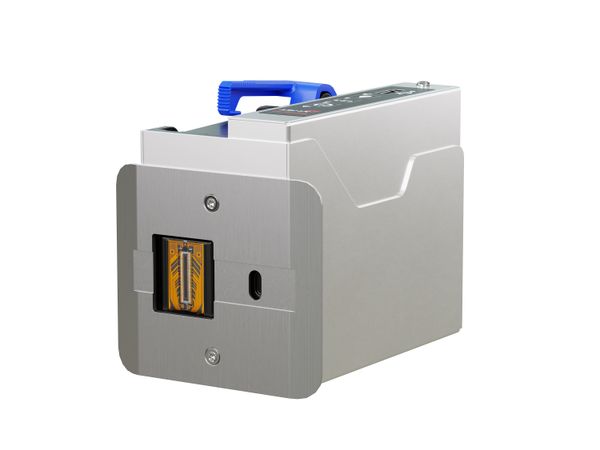
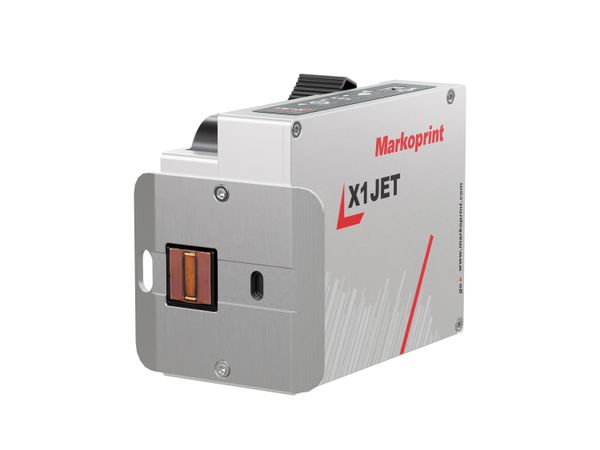
Markoprint integra PP108

High-resolution large character printer for print heights up to 108 mm without offset

  • Print height up to 108 mm, print resolution up to 360 dpi
  • Achieves print speeds of up to 150 m/min
  • Ideal for absorbent surfaces, e.g. cardboard packaging
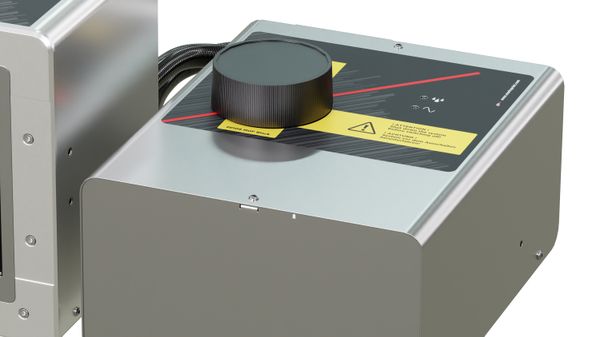
  • Internal ink tank with 750 ml ink supply

Robust large-character printer as an alternative to labels

The name of the Markoprint integra PP 108 already reveals its maximum print height of 108 mm. The piezo inkjet printer realises the large character printing required in many industries without offset and prints high-resolution text, 1D barcodes, 2D codes and graphics. This makes it ideal as a labeling alternative. On request, the Markoprint integra PP 108 can also print very small, with a minimum print height of one millimetre. The fast text change with more than 50 variable data per second enables product serialisation, which is particularly important for high-speed labeling in the pharmaceutical and cosmetics industries.

With the Markoprint integra Command software included in the scope of delivery, you can easily create and manage your print layouts on your PC. In addition to a practical ink consumption calculator, the software has many other functions to make your work easier.
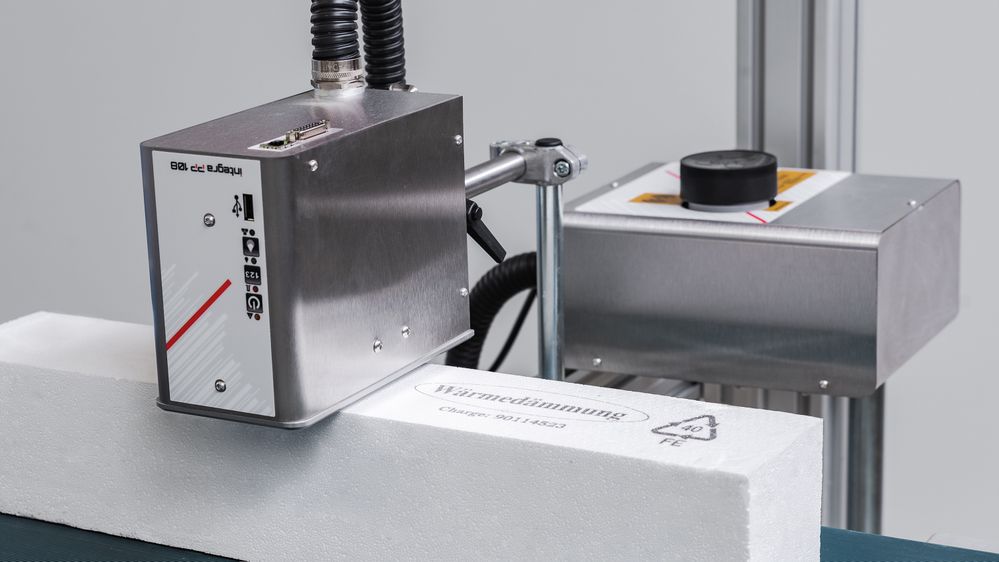
Industrial inkjet printer Markoprint integra PP 108 prints on polystyrene foam

Applications

Cartons
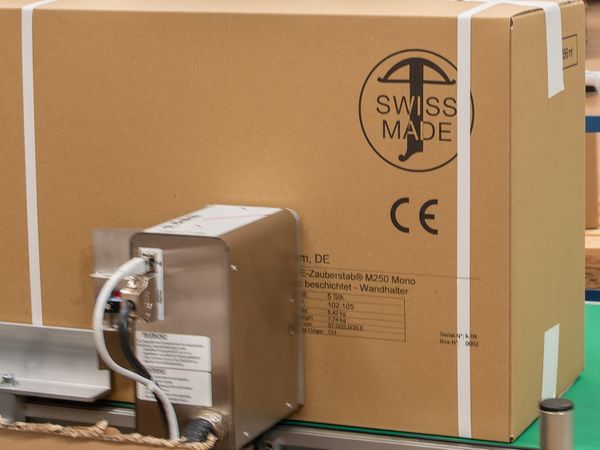
Industrial inkjet printer Markoprint integra PP 108 prints on shipping carton
Paper
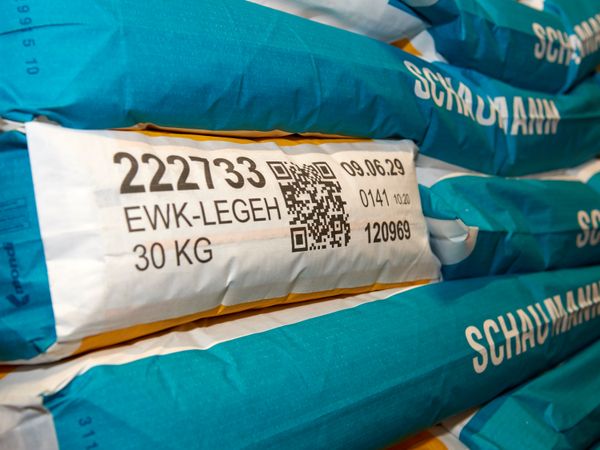
Paper bags printed with Markoprint integra PP 108 inkjet printer
Building materials
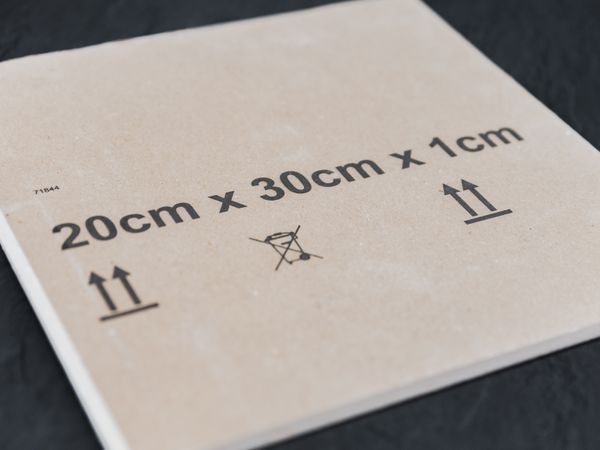
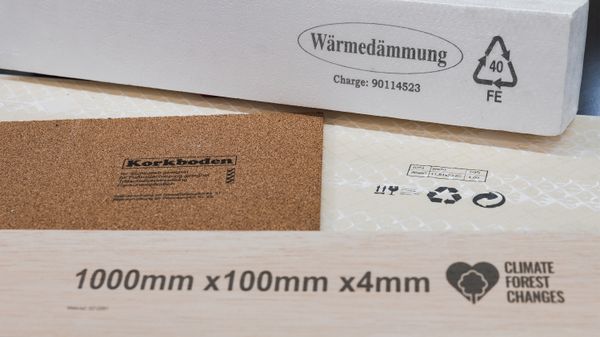
Insulation board printed with Markoprint integra PP 108 inkjet printer
Cork
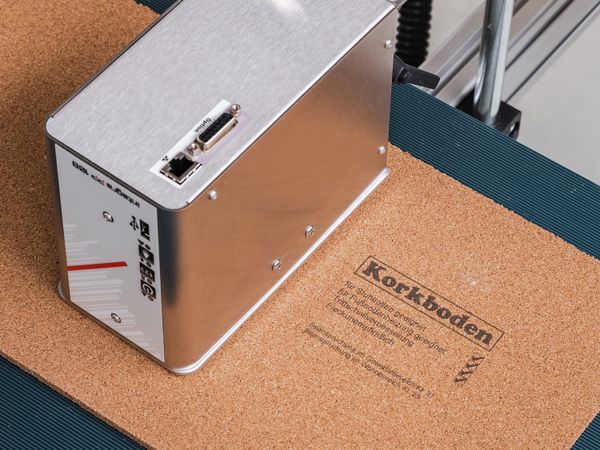
Industrial inkjet printer Markoprint integra PP 108 prints on cork
Wood
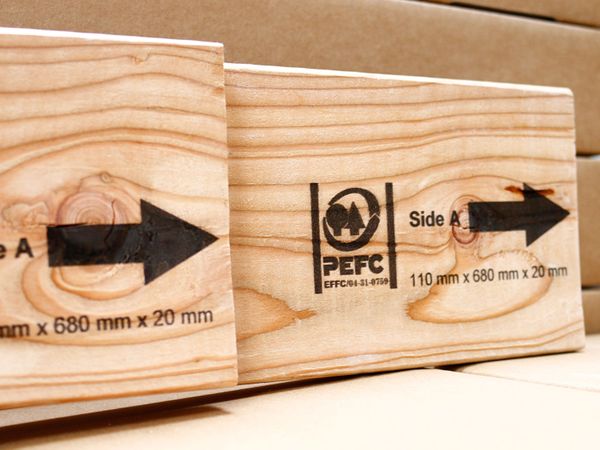
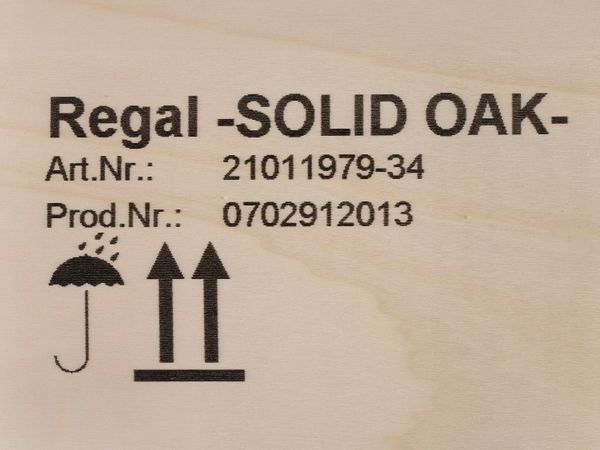
Wood printed with Markoprint integra PP 108 inkjet printer
Piece of wooden furniture printed with Markoprint integra PP 108 inkjet printer

Special features

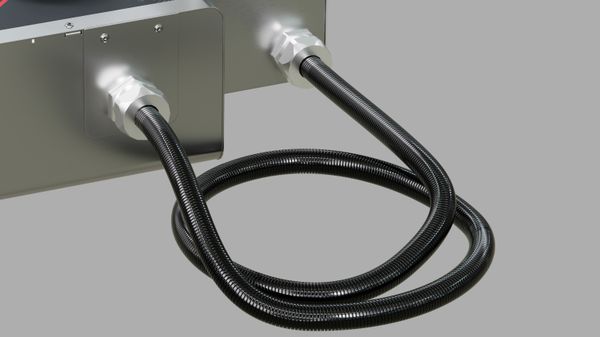
Markoprint integra PP 108 ink hose

Flexible and compact design facilitates integration

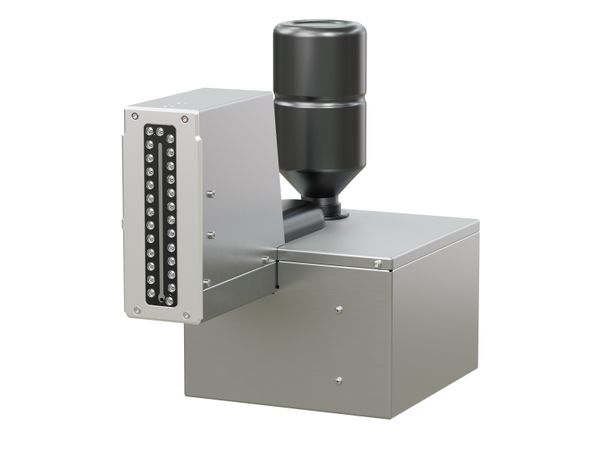
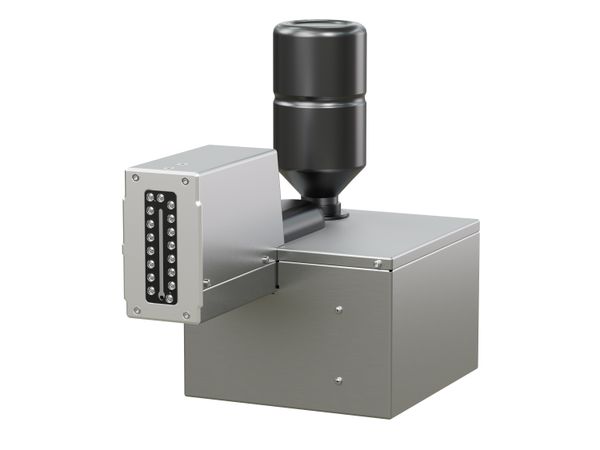
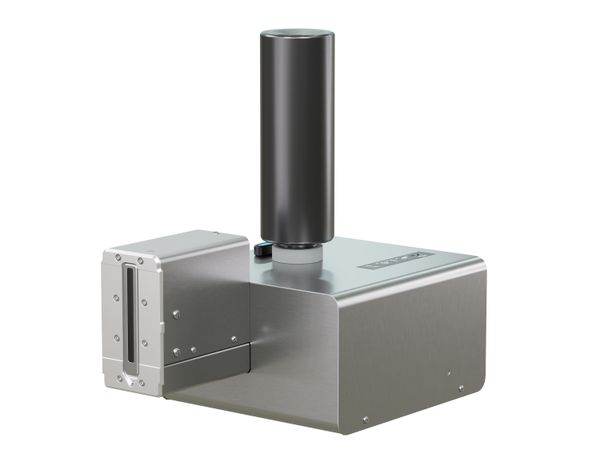
The ink tank is connected to the printhead with a print tube. The variable length of the pressure hose (0.4 m / 1 m / 3 m) makes it easier to integrate the inkjet system into production, which is particularly helpful in tight spaces. In addition, the ink tank can be positioned above, below or at the same height as the printhead, regardless of its height, which creates a great deal of flexibility when integrating it into new or existing processes.

Markoprint integra PP 108 easy venting for clean print images

Recirculating ink system ensures simple venting

The printer starts circulating the ink automatically at start-up. This removes any air that may be in the print tube or printhead. The feed and return pumps prevent air from collecting in the printhead during operation and keep the nozzles clear. This guarantees a clean and sharp print image.

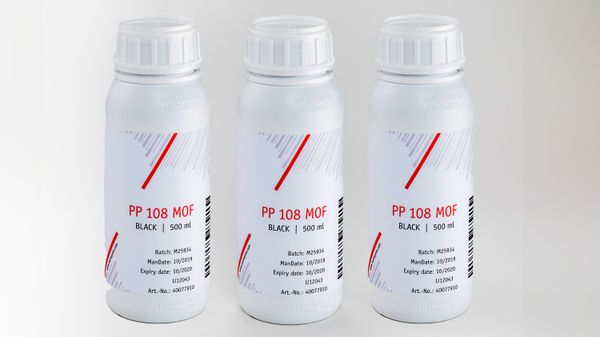
Markoprint integra PP 108 mineral oil-free ink

A variety of inks for every application

Various ink colours (black, red, blue and green) are available for printing on absorbent surfaces. A pigmented, mineral oil-free ink (MOF, Mineral Oil Free) is also available, which is suitable for printing on absorbent surfaces in the food industry. Non-absorbent surfaces can be printed with UV ink. It hardens under UV light within a short time and provides an abrasion-resistant print result, for example on painted surfaces.

Markoprint integra PP 108 ink tank

750 ml ink supply

The internal ink tank has a generous capacity of 750 ml, ensuring long operating times without interruption. Thanks to the large volume, frequent refilling of ink is unnecessary, making the entire workflow significantly more efficient. Users benefit from noticeable time savings and reduced maintenance requirements, as printing operations remain smooth and reliable over extended periods.

Markoprint Coding Score

Clear performance levels for flexible and scalable printing solutions

The specially developed Coding Score makes it easier to select and configure Markoprint printing systems. The performance levels – PRINT, BASIC, ADVANCED, PRO, and ULTIMATE – are clearly defined, easy to compare, and vary depending on the system. This creates transparency in decision-making and ensures investment security in a marking solution that can be flexibly expanded at any time. New requirements for production, efficiency, or sustainability can be easily integrated, securing consistently powerful and economical processes.

Technical specifications
Printing specifications
Print
Basic
Advanced
Pro
Ultimate
Printer type
Piezo Ink Jet (PIJ)
Supported printing technology
PP
Print height
1.5 - 108 mm
Vertical print resolution up to
Print
360 dpi
Basic
360 dpi
Advanced
360 dpi
Pro
360 dpi
Ultimate
360 dpi
Print speed up to
Print
30 m/min
Basic
30 m/min
Advanced
60 m/min
Pro
90 m/min
Ultimate
150 m/min
Recommended distance printhead to product
1 mm
Distance from printhead to product
1 - 3 mm
Number of printheads up to
1
Maximum number of production lines
1
Orientation
From right to left, From left to right
Function
Lateral printing, Top printing
Printable content
Print
Text fields, BMP graphics
Basic
Text fields, BMP graphics, Time indication, Date field
Advanced
Barcodes, Text fields, BMP graphics, Counter, Time indication, Date field, Date offset, Input of variables, Fields of action
Pro
Barcodes, 2D codes, Text fields, BMP graphics, Counter, Time indication, Date field, Date offset, Input of variables, Fields of action
Ultimate
Barcodes, 2D codes, Text fields, BMP graphics, Counter, Time indication, Date field, Date offset, Input of variables, Fields of action
Barcodes
Print
Basic
Advanced
Code 2 out of 5, Code 39, Code 128, EAN 8, EAN 13, more on request, UPC-A, UPC-E
Pro
Code 2 out of 5, Code 39, Code 128, DataMatrix, EAN 8, EAN 13, GS1 DataMatrix, QR code, UPC-A, UPC-E
Ultimate
Code 2 out of 5, Code 39, Code 128, DataMatrix, EAN 8, EAN 13, GS1 DataMatrix, QR code, UPC-A, UPC-E, more on request
DBPrint
Print
Basic
Advanced
Pro
Ultimate
PDF direct printing
Fonts
All Windows fonts, Customized fonts
Software requirements
Windows 7, 8, 10, 2 GB for 32-bit or 4 GB for 64-bit, Min. 30 GB hard disk space, DirectX 9 or higher with WDDM 1.0 driver, PC mouse or touchscreen, Interface for connecting the printing device, Processor with at least 1 GHz
Interpreter software
integra Command
Spitting
Ink
Colour
Blue, Green, Red, Black
Composition
Oil formulation
Hardware
Print
Basic
Advanced
Pro
Ultimate
Display
no display
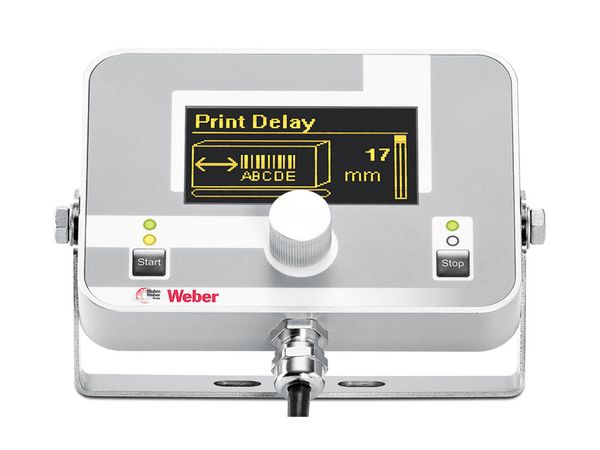
External control panel/display
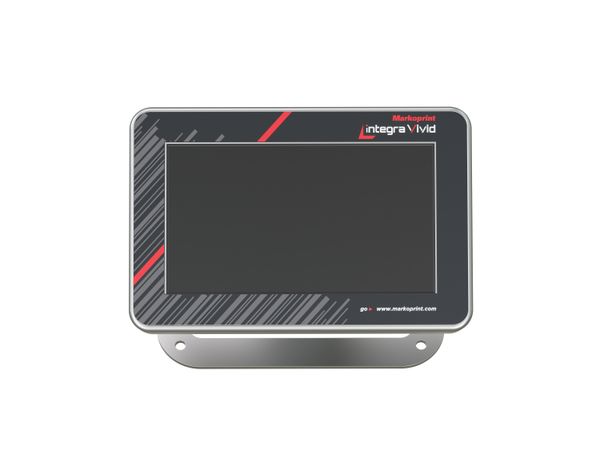
External Vivid Display, External HMI display
Password protection
Print
Basic
Advanced
Pro
Ultimate
Internal sensor
Sensor signal
NPN, Switching threshold 7V
Shaft encoder signal
Push-pull or NPN, 24 V voltage, Switching threshold 7 V, Frequency max.150 kHz
Status/ Alarm outputs
Print
4
Basic
4
Advanced
4
Pro
4
Ultimate
4
Flash memory expansion as an option
USB memory stick slot
SD memory card slot
PCMCIA slot
WIFI
Print
Basic
Advanced
Pro
Ultimate
interfaces
15-pin SUB-D (connection shaft encoder/sensor/inputs and outputs and optional power supply), Ethernet (TCP/IP), RS-232
Physical aspects
System dimensions (HxWxL)
110 x 197 x 236 mm
Printhead dimensions (H×W×L)
188 x 99 x 146 mm
Hose length min.
0.4 m
Hose length max.
3 m
Weight
6 kg
IP ingress protection
IP 40
Authorisations
CE
Rel. humidity non-condensing
30 - 85 %
Ambient temperature
10 - 40°C
Supply voltage
90-240 V
Mains frequency
50-60 Hz
Amperage
1.7 A
Power consumption
150 W

Case Studies

Case study on labelling and marking - Esge

Esge

The Zauberstab is a household name in both domestic and professional kitchens. The world's smallest food processor was invented in 1953 by Swiss engineer Roger Perrinjaquet. And to this day, the Zauberstab is still 100 percent Swiss-made. Esge AG uses equipment from labelling supplier Bluhm Weber Group for large-format printing…

Read Case Study

Case study on labelling and marking - Schaumann

H. Wilhelm Schaumann

For more than 80 years, Schaumann has been dedicated to feeding farm animals such as pigs, cattle and poultry. To avoid confusion, all feed bags are labelled with product information and one- and two-dimensional codes before filling.

Read Case Study